|
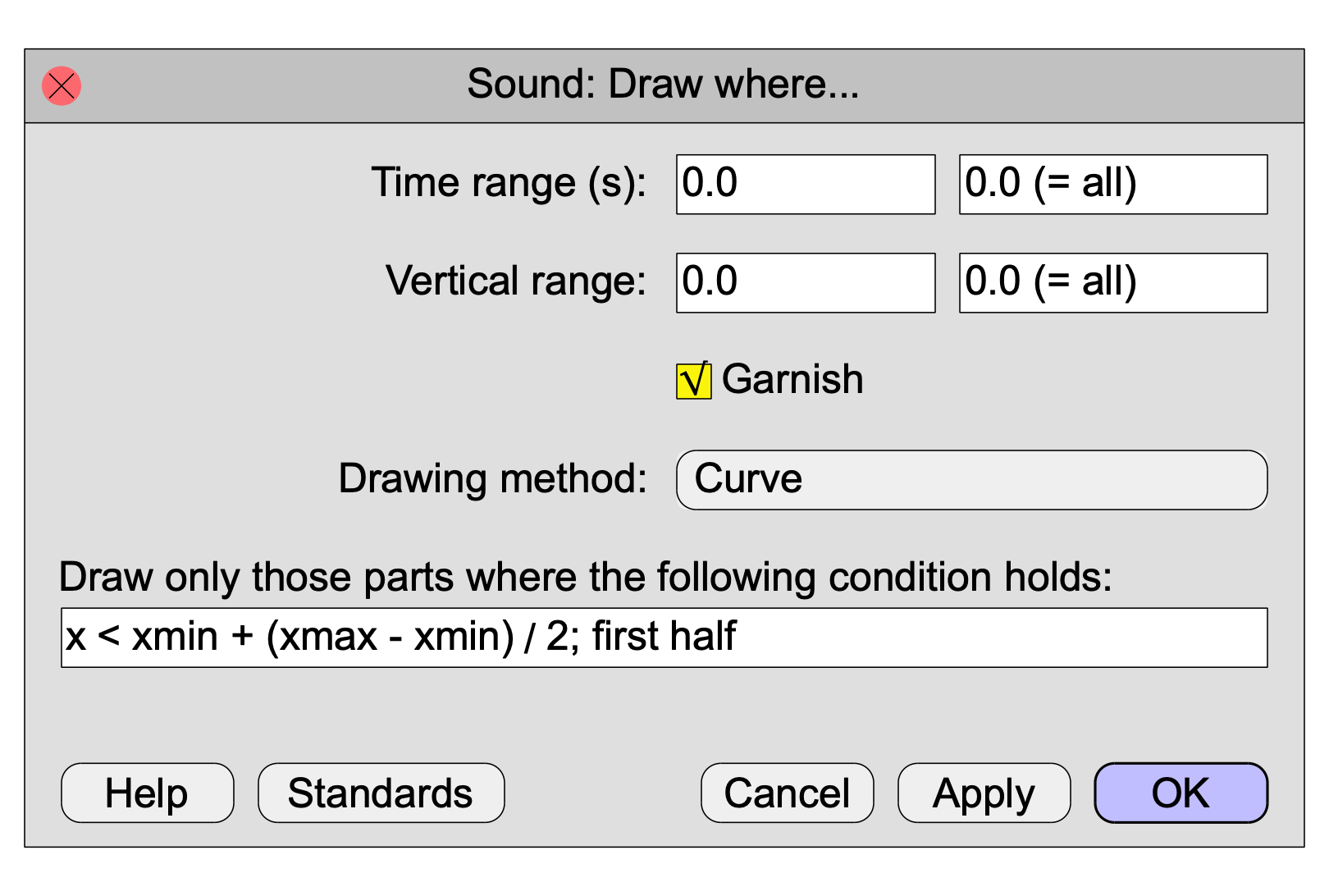
A command to draw only those parts of a Sound where a condition holds.
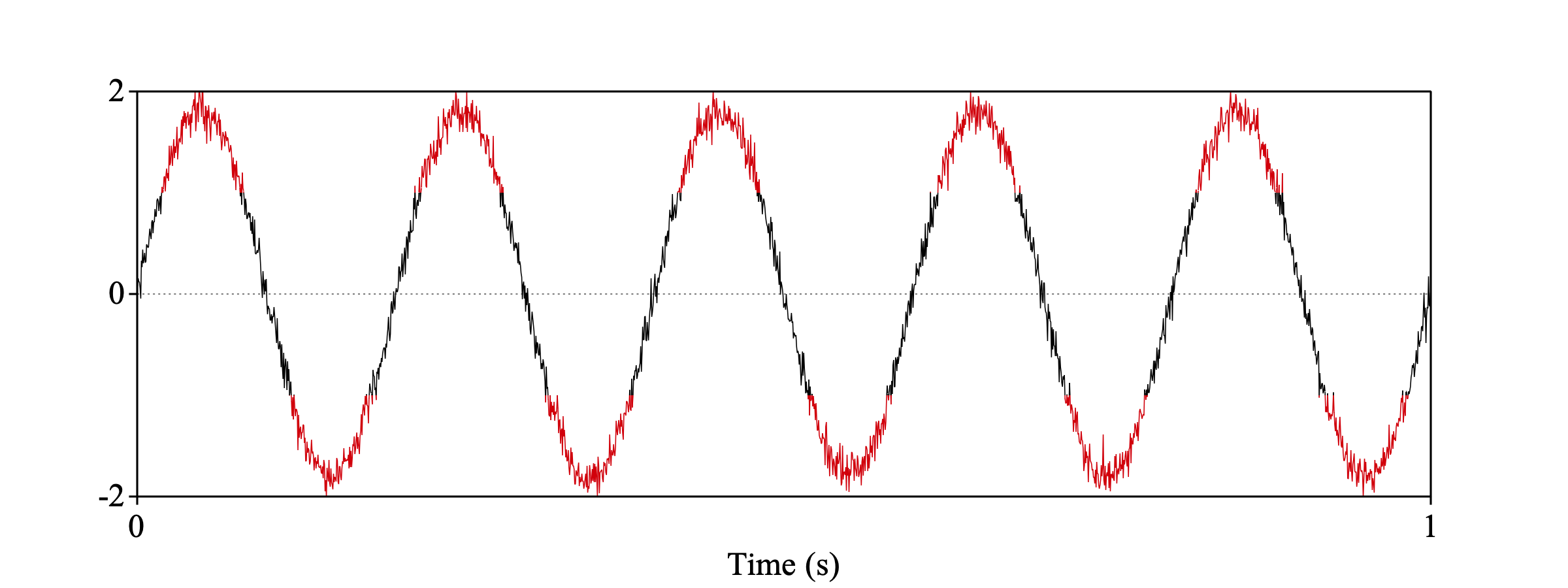
The following script draws all amplitudes larger than one in red.
Create Sound from formula: "s", "Mono", 0, 1, 2000, ~ 1.8*sin(2*pi*5*x)+randomGauss(0,0.1)
Colour: "Red"
Draw where: 0, 0, -2, 2, "no", "Curve", ~ abs(self)>1
Colour: "Black"
Draw where: 0, 0, -2, 2, "yes", "Curve", ~ not (abs(self)>1)
Draw the second half of a sound:
Draw where: 0, 0, -1, 1, "no", "Curve", ~ x > xmin + (xmax - xmin) / 2
Draw only positive amplitudes:
Draw where: 0, 0, -1, 1, "no", "Curve", ~ self > 0
Draw parts where pitch is larger than 300 Hz in red:
s = selected ("Sound")
p = To Pitch: 0, 75, 600
pt = Down to PitchTier
selectObject: s
Colour: ~ Red
Draw where: 0, 0, -1, 1, "yes", "Curve", ~ object (pt, x) > 300
Colour: ~ Black
Draw where: 0, 0, -1, 1, "yes", "Curve", ~ not (object (pt, x) > 300)
© djmw 20170829