|
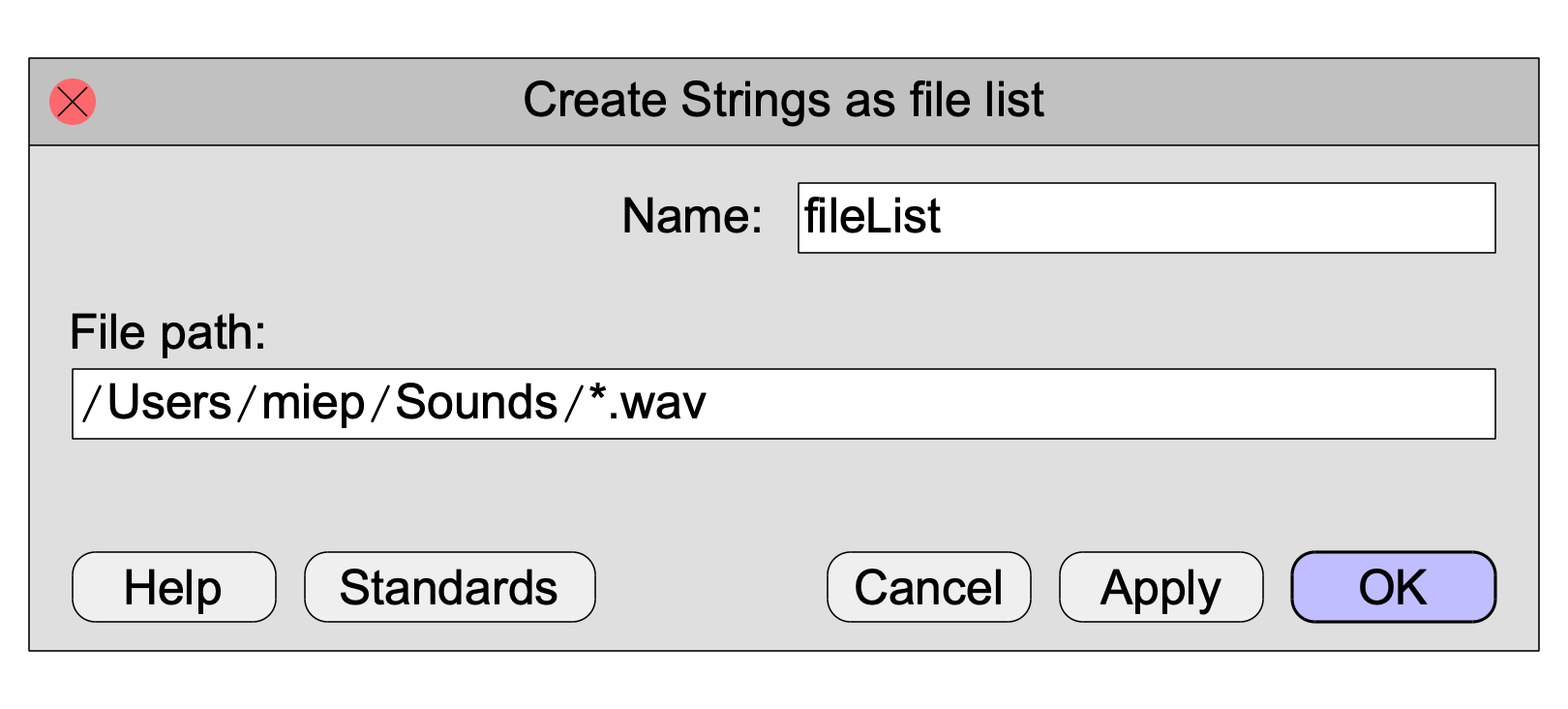
A command in the New menu to create a Strings object containing a list of files in a given folder.
The resulting Strings object will contain an alphabetical list of file names (by naïve Unicode-sorting), without the preceding path through the folder structures. If there are no files that match the file path, the Strings object will contain no strings.
There are two ways to specify the file path.
One way is to specify a folder name only. On Unix, the file path could be /usr/people/miep/sounds or /usr/people/miep/sounds/, for instance. On Windows, C:\Users\Miep\Sounds or C:\Users\Miep\Sounds\. On Macintosh, /Users/miep/Sounds or /Users/miep/Sounds/. Any of these produce a list of all the files in the specified folder.
The other way is to specify a wildcard (an asterisk) for the file names. To get a list of all the files whose names start with “hal” and end in “.wav”, type /usr/people/miep/sounds/hal*.wav, C:\Users\Miep\Sounds\hal*.wav, or /Users/miep/Sounds/hal*.wav.
You can even use two wildcards: /usr/people/miep/sounds/*al*.wav gives you a list of all files whose names contain al and end in wav.
In a script, you can use this command to cycle through the files in a folder. For instance, to read in all the sound files in a specified folder, you could use the following script:
folder$ = “/usr/people/miep/sounds”
strings = Create Strings as file list: “list”, folder$ + “/*.wav”
numberOfFiles = Get number of strings
for ifile to numberOfFiles
selectObject: strings
fileName$ = Get string: ifile
Read from file: folder$ + “/” + fileName$
endfor
removeObject: strings
If the script has been saved to a script file, you can use file paths that are relative to the folder where you saved the script. Thus, with
Create Strings as file list: “list”, “*.wav”
you get a list of all the .wav files that are in the same folder as the script that contains this line. And to get a list of all the .wav files in the folder Sounds that resides in the same folder as your script, you can do
Create Strings as file list: “list”, “Sounds/*.wav”
As is usual in Praat scripting, the forward slash (“/”) in this example can be used on all platforms, including Windows. This makes your script portable across platforms.
Note that the above functionality can also be written four lines shorter, using built-in functions:
folder$ = “/usr/people/miep/sounds”
list$# = fileNames$#: folder$ + “/*.wav”
for ifile to size (list$#)
Read from file: folder$ + “/” + list$# [ifile]
endfor
This doesn’t produce a Strings object.
To get a list of folders instead of files, use Create Strings as folder list....
© Paul Boersma 1998,2006,2013-2015,2020,2024,2025